

Description
With Redirect.txt, you can provide a simple list of URLs and their destinations with no post-creation bloat, no limitations, and just a simple editor.
There are many good redirect plugins that have been developed for years and have a strong code base. But we don’t like the idea of creating separate posts/entries for each redirection rule. We simply need to add, remove, and manage redirects in a simple and bulk way.
.htaccess and nginx configs are OK, but we don’t want to edit configs placed somewhere in server directories; we want to open our admin panel and add redirects easily. We also don’t care about wrong config configurations, which will stop your server.
Quick Links
Features
- Path redirects
- Full URL redirects
- Post ID redirects
- RegEx redirects
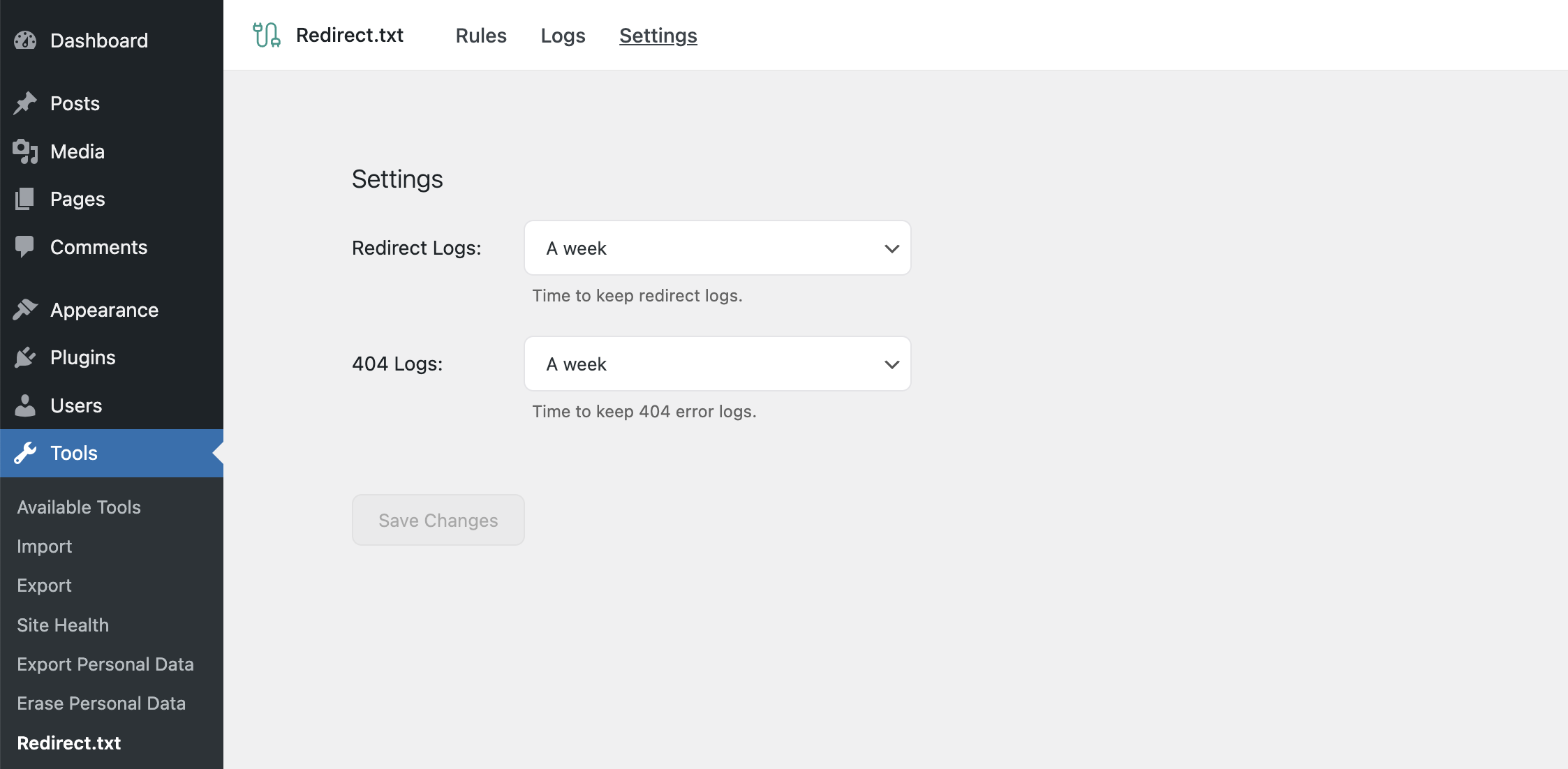
- Redirect logs
- 404 logs
Usage
Open Tools → Redirect.txt and provide a list of URLs here. Here is an example of available syntax:
# The links below will automatically use 301 redirects.
/hello: /new-hello

# Support for custom status
# To make 301, 302, 303, 307, or 308 redirects, use a code like this:
308: # All redirections below will use 308 redirect status.

# Support for post ID's
# Redirect from post with ID 1 to post with ID 8:
1: 8

# Support for external redirects:
/external: https://google.com/

# Support for RegEx redirects (automatically detected when the string starts with ^):
^/news/(.*): /blog/$1

# You can use as many comments as you want to categorize your links better.
The same rules without comments:
/hello: /new-hello

308:

1: 8
/external: https://google.com/
^/news/(.*): /blog/$1
Screenshots


Installation
Automatic installation
Install the Redirect.txt either via the WordPress plugin directory or by uploading the files to your server at wp-content/plugins.
Usage
To start using the Redirect.txt, just open the Admin Menu Tools Redirect.txt and follow instructions.
Reviews
There are no reviews for this plugin.
Contributors & Developers
“Redirect.txt” is open source software. The following people have contributed to this plugin.
Contributors
“Redirect.txt” has been translated into 1 locale. Thank you to the translators for their contributions.
Translate “Redirect.txt” into your language.
Interested in development?
Browse the code, check out the SVN repository, or subscribe to the development log by RSS.
Changelog
0.3.0 – Oct 24, 2026
- added WordPress 7.2 compatibility
- bump minimum PHP requirement to 8.3
- security: fixed a RegEx rule that builds the target domain from the request sending visitors to any site; a matched part can now only fill a subdomain of the domain written in the rule
- fixed rules losing
%-encoded characters and RegEx syntax such as named groups on save; an invalid RegEx is now refused with the line that fails - fixed URLs copied from the 404 log not matching in a rule
- fixed rules redirecting REST API requests on sites with plain permalinks or WordPress in a subdirectory
- fixed a numeric rule, such as
/123, also matching an author or term with that ID - fixed RegEx rules with non-Latin characters, such as
^/кафе$, never matching - the redirect log and the 404 log now keep the newest 1000 entries each
0.2.8 – Sep 23, 2026
- fixed redirects dropping the trailing slash and letter case written in the target URL
- fixed an endless loop when a redirect points a page to itself, such as
/about: /about/ - fixed redirects from or to the homepage
/not working - fixed path redirects not working when WordPress is installed in a subdirectory
- fixed RegEx redirects that contain
@not working
0.2.7 – Aug 26, 2026
- added WordPress 7.1 compatibility
0.2.6 – Jun 10, 2026
- added WordPress 7.0 compatibility
- migrate admin UI to React 18 createRoot API
- bump minimum PHP requirement to 7.4
0.2.5 – Nov 28, 2024
- added translation file
- check compatibility with WordPress 6.7
0.2.4 – Jul 3, 2024
- added support for redirects to links with hash
0.2.3 – May 26, 2024
- disable redirects from
wp-admin,wp-jsonandwp-login.phppaths
0.2.2 – May 17, 2024
- changed code editor to light mode by default, to prevent switch to dark when system is in dark mode
0.2.1 – May 12, 2024
- remove some dev folders from the plugin
0.2.0 – May 12, 2024
- Release